Tools
Tool Tabs
Select the icon to jump to the relevant section.
Graph Information
Note
Under active development.
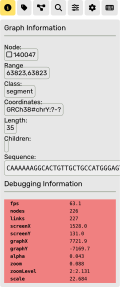
Display for graph information.
When a node is selected, information about that node will be displayed here. Icons for each node type:
S line in GFA.Note
Debugging information will be displayed here if the instance was started in debug mode.
Path Selector
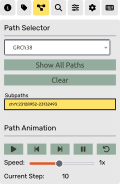
Tools for viewing paths.
Select a sample to view the paths that are contained in the subgraph currently being viewed. “Show All Paths” will highlight links touched by any path in that sample. Selecting a specific graph can enable animation of it. You can play through the steps of the path using the controls below.
Gene Annotations
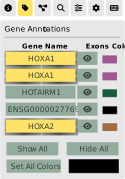
Adjusting annotations.
Each annotation has three options:
Toggle visibility (by clicking on gene name)
Draw exons only (by clicking on the icon)
Change color (by clicking on the color swatch)
Search
Note
More options will be added here over time.
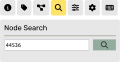
Search features.
Currently this section only supports searching for nodes by ID. Clicking on a search result will center the canvas view on that node.
Settings
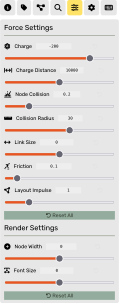
Adjust forces and rendering settings.
Options
Note
More options will be added here over time.
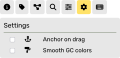
Miscellaneous options.
Input Commands
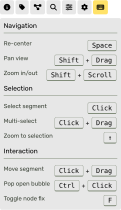
Self-explanatory list of input commands.