Choosing a Region
Selecting by Chromosome
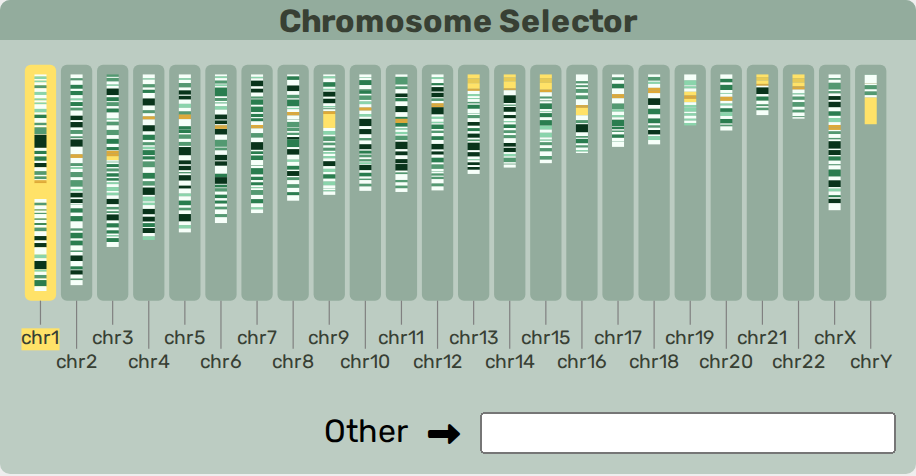
Genome cytoband selector.
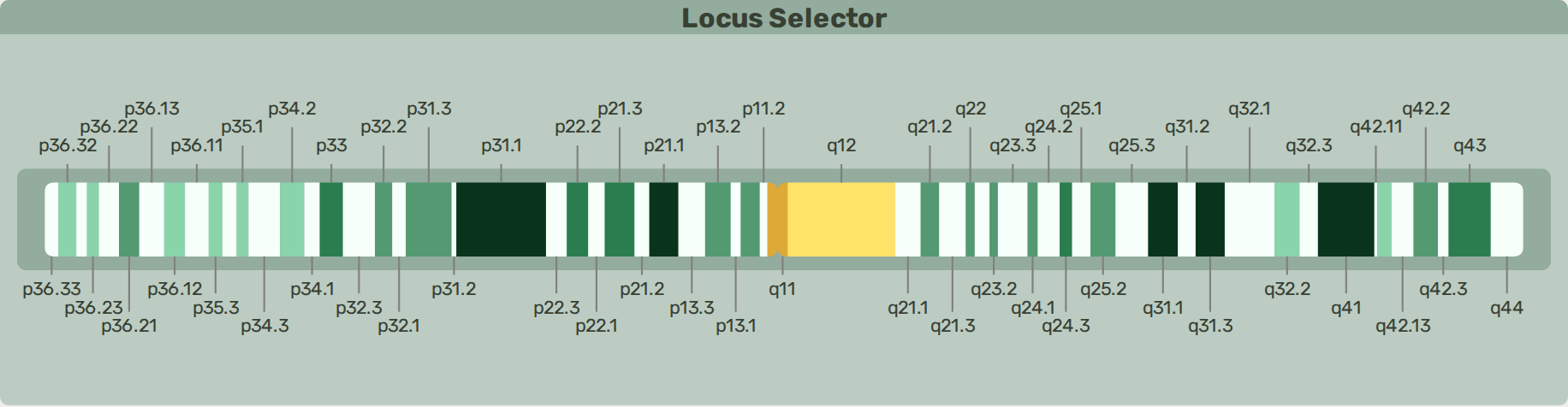
Chromosome cytoband selector.
Cytoband data is specified during setup. The default is human hg38.
A chromosome can be selected by clicking on it. Non-canonical chromosomes can be found in the Other selection box.
A cytoband view of the selected chromosome is rendered. Clicking and dragging along the chromosome will select a specific region.
Note
To view an entire chromosome, select it without dragging to narrow the region. Zoom in to move from the whole-chromosome view down to nucleotide resolution (see Chromosome View).
Selecting by Gene
Gene annotations data is specified during setup. The gene search bar will search for any preloaded genes. The last four searches are saved as buttons.

Select by Gene.
Selecting by Coordinate
PangyPlot uses a coordinate system based on one of the reference paths embedded in the sequence graph. The primary coordinate system is specified during setup — typically using a reference genome such as hg38 or t2t for humans.
Selection methods above will fill the with a set of coordinates.
Coordinate section.